

Tracker Details
Use the case details view to inspect how a case was evaluated in the latest Tracker run.
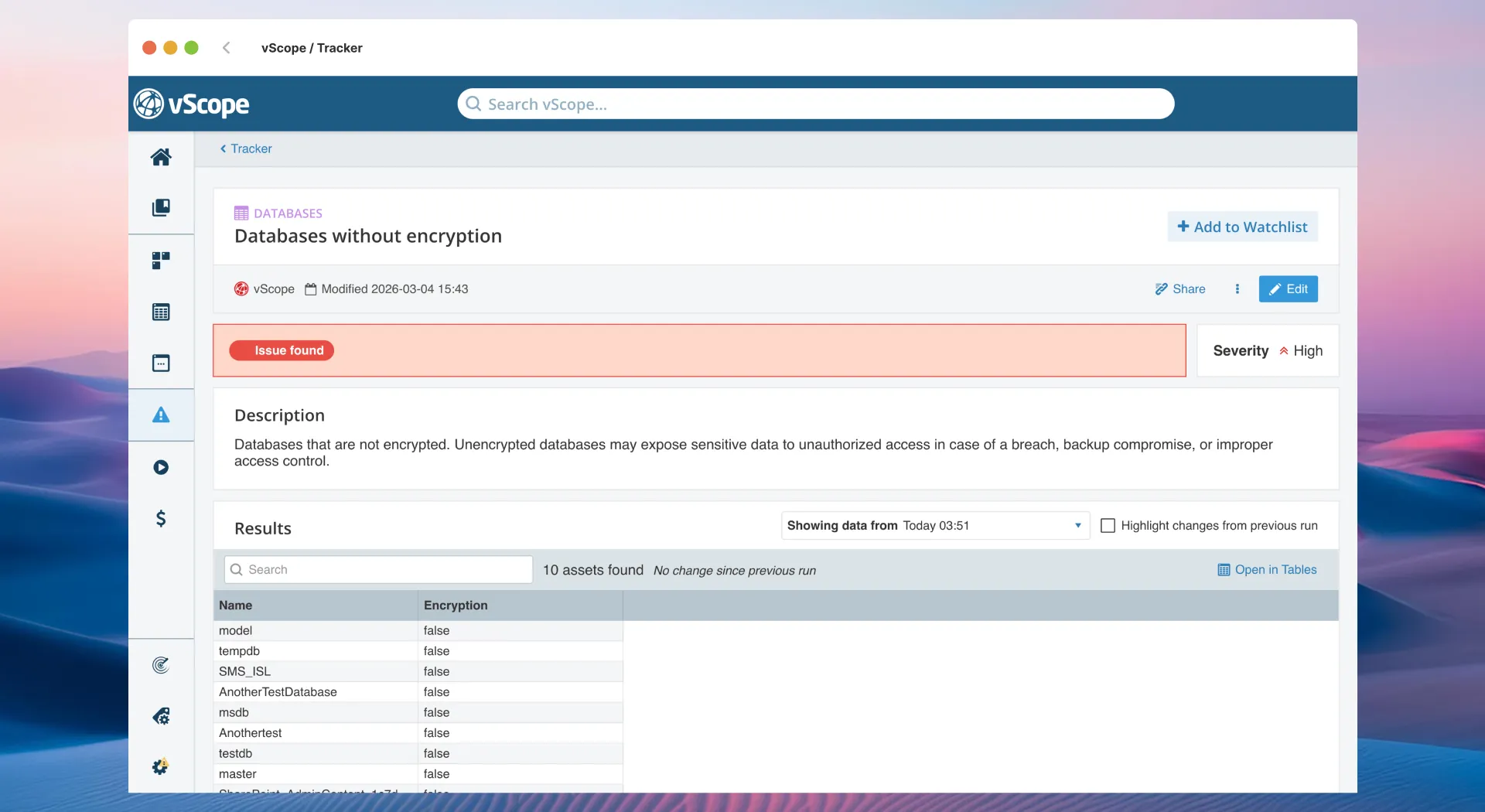
Fields in case details
Section titled “Fields in case details”- Asset Type: Which assets the case evaluates.
- Title / Description: What the case checks and why it matters.
- Status: Current state (Issue or Resolved) based on the latest run.
- Severity (Low/Medium/High): Priority guidance when an issue is open.
- Results: Assets matching the case in the latest Tracker run.
- History: Trend of Status/Severity across runs; select a date to view a past state.
- Solution: Recommended fix, when provided for the case.
- Configuration: Rules, filters, and computations that determine matches.