

About
Tracker automatically highlights important findings in your IT environment so you can act before outages occur. Add your organization’s policies and guidelines to get daily, detailed updates about compliance across your delivery.
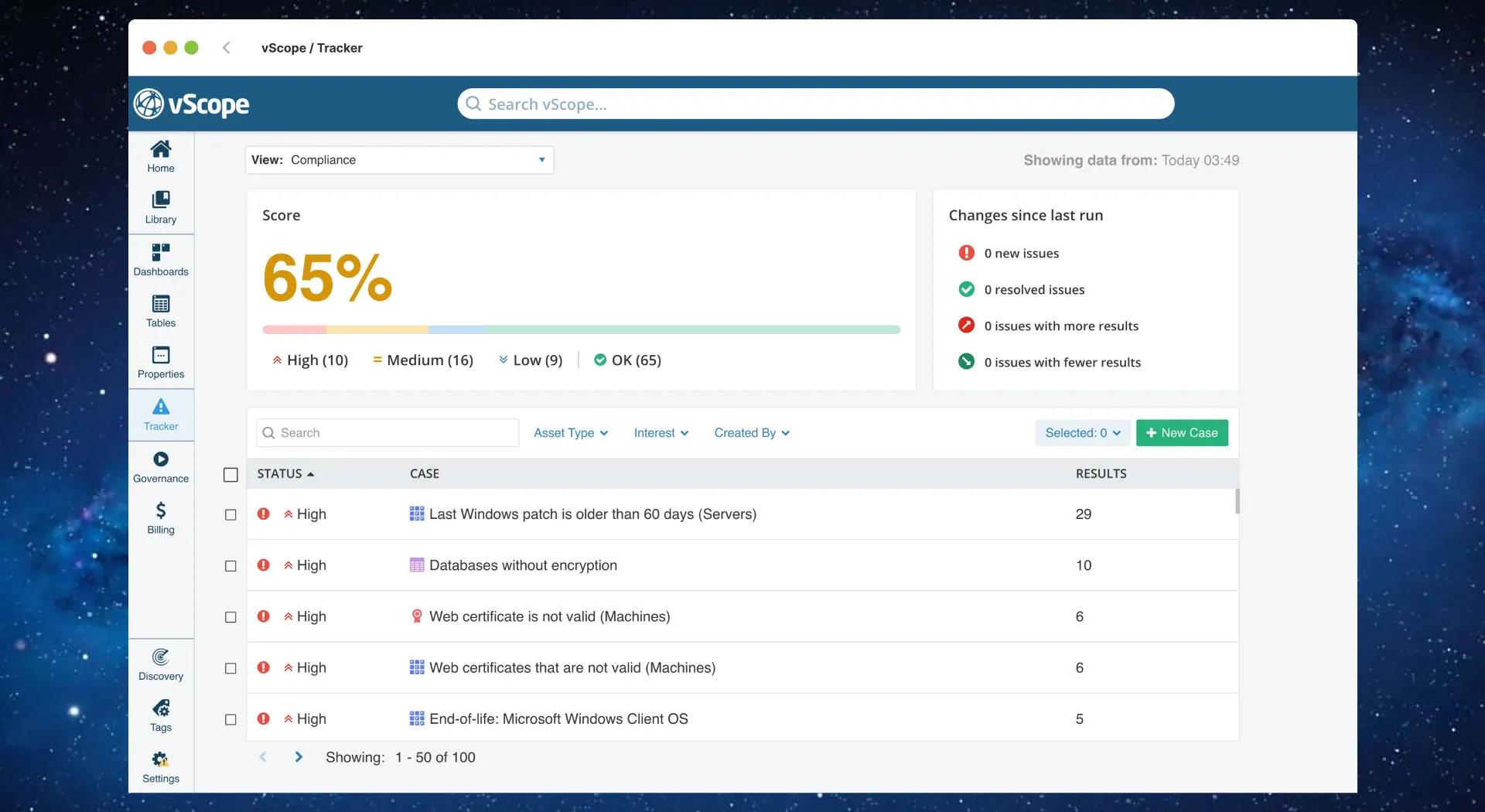
What Tracker is
Section titled “What Tracker is”Tracker runs automatic audits and health checks on everything vScope discovers, then highlights and prioritizes what needs attention.
- Case: A rule set that defines what to check and how to resolve findings.
- Collections: Groups of related cases (for example, Compliance).
- Severity: Low / Medium / High applied when matching assets are found; if no assets match, the case is Resolved.
Lifecycle: Discovery completes → Tracker audits cases → Findings raised and notified → Users view case and remediates core issue → New Discovery completes → Tracker audits cases → Case is resolved.
Access & prerequisites
Section titled “Access & prerequisites”- Roles: All roles except Viewer can access Tracker. Admins and Contributors can create and manage cases.
- Prerequisite: At least one completed Discovery so assets exist in the Asset Repository. Available cases depend on which asset types your license includes.
Audit frequency & scope
Section titled “Audit frequency & scope”- Frequency: Once per day by default, immediately after each full Discovery completes.
- Coverage: 500+ bundled cases included; you can create and customize additional cases without limits.
- Storage: All Tracker data stays on-prem on the vScope server. No API limits and no cap on number of cases.
Notifications & preferences
Section titled “Notifications & preferences”- Email notifications are optional; enable them per user under Profile settings > Email.
- Notification types:
- Per Case: alerts when findings change on that case.
- Daily overview: one summary email for cases on your watchlist.
- Detailed Emails toggle: include full asset lists or only changes.
- Watchlist is personal; Tracker runs daily for all users and findings are shared.