

Creating and Managing Entities
In Governance (Service Mapping), documentation is built around entities such as Services, Applications, Vendors, or Customers. Each entity page uses the fixed template for its entity type (set by admins).
Objective: Create and maintain an entity page that links business context to discovered assets and relations.
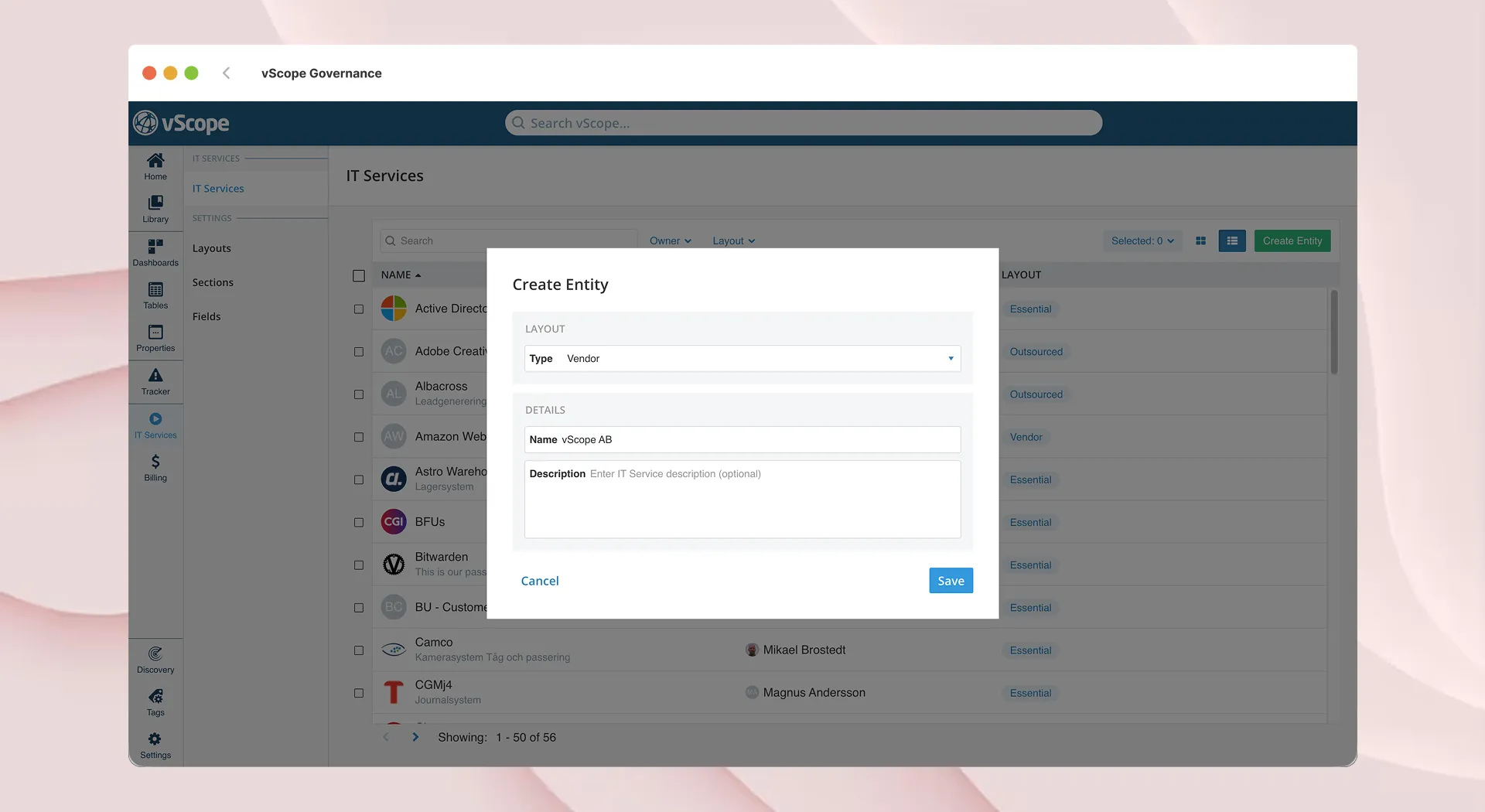
Create a new entity
Section titled “Create a new entity”- Open Governance (Service Mapping), and click Create.
- Choose the entity type (e.g., Service, Vendor, Application). The type determines the template to be used.
- Enter name and description (purpose, scope, owner).
- Click Create to open the entity page.
Add information
Section titled “Add information”- Fill in fields defined by the template (owners, criticality, contacts, notes).
- Use tables to link live asset data from the repository (servers, databases, certificates, backups).
- Add relations to other entities to show dependencies (e.g., Service ↔ Vendor).
Save, Collaborate, and edit
Section titled “Save, Collaborate, and edit”- Click Save to save any changes; you can update fields, assets, and relations anytime.
- Use Collaborators/ACL to share with users/groups for specific read or write access.
- Admins update templates centrally; all entities of that type inherit the structure.
Hiding Entity types
Section titled “Hiding Entity types”In Settings > Types, you can choose what types to be available to the user.
- Select a Type
- Activate the type by ensuring that Active is enabled
- Click Save.
The type is now available to the users from the navigation bar.
- Can I view entities in Tables? Yes. Each entity type is available as an asset type in Tables for reporting, History & Compare, Tracker, and Dashboards.
- Do asset links update automatically? Yes. Linked assets stay current via Discovery. Missing assets are flagged; review and relink if needed.