

Explore the UI
Where things live in vScope.
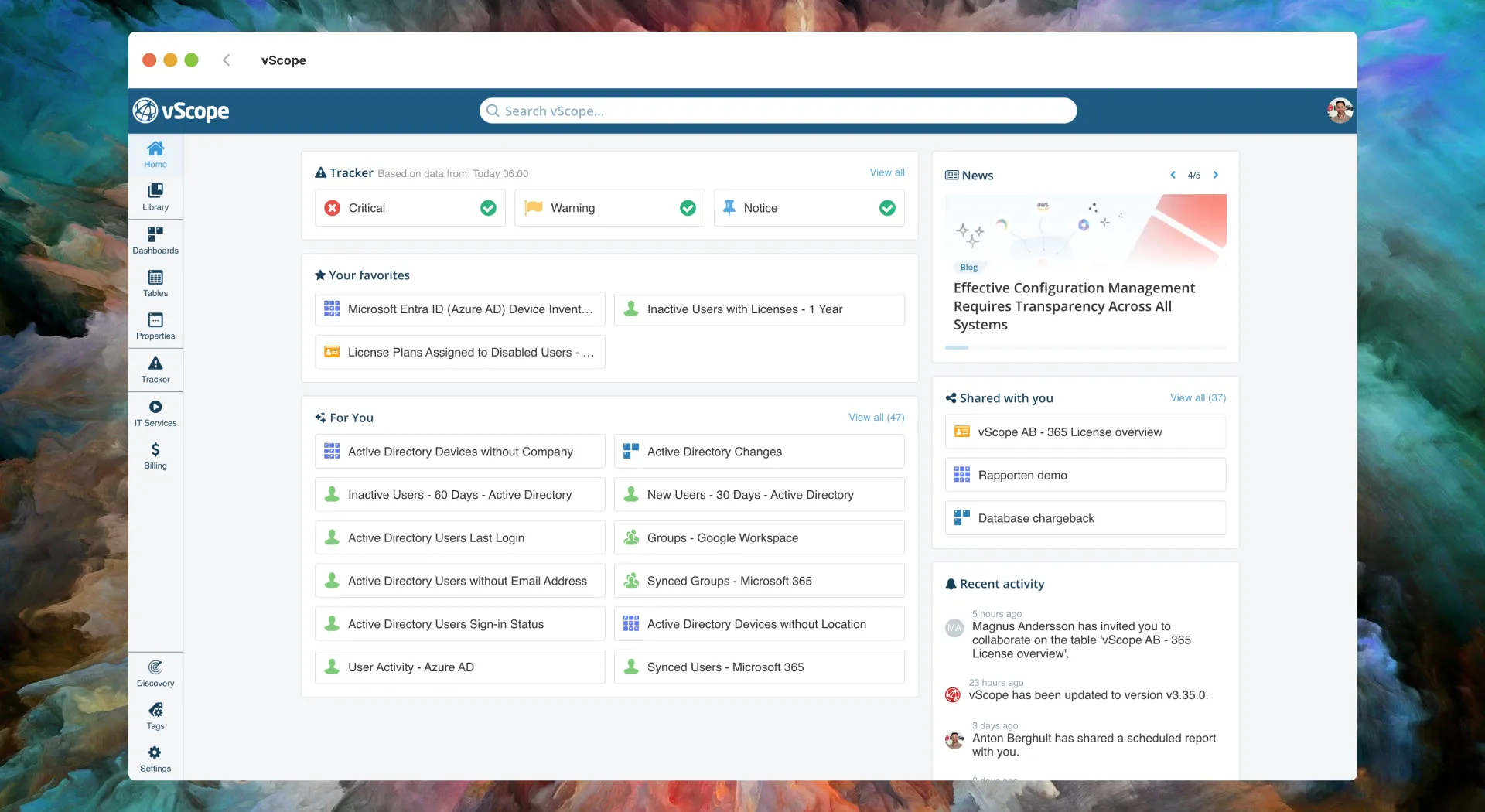
Asset Repository: Main areas
Section titled “Asset Repository: Main areas”Search
- Use the topbar Search to jump to assets, tables, dashboards, and properties by name/value.
- Try a hostname, IP, user, or table name; results link directly to the relevant view.
Home Landing page with recent content, announcements, and quick links.
Dashboards Visualize KPIs with widgets sourced from tables; share insights for quick access to facts.
Tables Powerful reporting; create dynamic IT reports in tabular format using columns and filters.
Properties Asset detail view with tags, relations, and history.
Tracker Daily compliance checks and benchmarks against policies/best practices.
Discovery Manage credentials/targets, start discoveries, view logs, and manage proxies.
Settings & Content Management
Section titled “Settings & Content Management” Library Browse, favorite, and manage saved tables and dashboards.
Core Concepts
Section titled “Core Concepts”Want to understand the mental model of vScope?
See: Assets, Tags, Relations, Discovery, Proxies.
Later: Explore more use cases
Section titled “Later: Explore more use cases” Billing Streamline IT billing processes and cost reporting by linking costs to assets.
Governance Add business context to the asset repository document how technology creates value across your organization.
Learn More:
Section titled “Learn More:”- Billing: cost reporting → Billing reference
- Governance: model entities together with discovered assets → About Governance